Send Your AI Twin to a Zoom or Google Meet Call: How It Works and When It Makes Sense
An AI twin joins Zoom, Google Meet or Teams calls, answers from your approved knowledge and drafts the follow-up. How it works and when to go yourself.
You can now send an AI twin to a Zoom, Google Meet or Microsoft Teams call. Unlike a notetaker, it does not just listen: it introduces itself, answers questions from the knowledge you approved, captures what was agreed and drafts the follow-up. This guide explains how it works, which calls it handles well and which calls you should still take yourself.
Notetaker or AI twin?
| Compared on | AI notetaker | AI twin |
|---|---|---|
| Joins the call | Yes | Yes |
| Speaks in the call | No | Yes, with your voice and, if you choose, your avatar |
| Answers questions | No | Yes, from your approved knowledge |
| Captures next steps | Yes | Yes |
| Drafts the follow-up email | Sometimes | Yes, in Gmail, waiting for your approval |
Notetakers are great when you are in the call yourself. An AI twin is for the calls where you cannot be.
Four ways to use it
- Human: you join as usual. Nothing changes.
- Twin: your twin joins alone and holds the conversation within the scope you set.
- Together: you and your twin join. It answers the routine questions while you focus on the decision.
- Voice only: the twin joins without video, when a face is not needed.
Calls an AI twin handles well
- First intro and qualification calls: who they are, what they need, whether a second call makes sense.
- Repeated product walkthroughs: the same questions, every week.
- Expert and Q&A calls where the answers already exist in your material.
- Recurring status updates that mostly share information.
Calls to take yourself
- Negotiations, pricing exceptions and anything that commits you to terms.
- Hiring decisions, performance talks and personal conversations.
- Sensitive or emotional situations.
- Any call where the other side expects you, personally, and was not told otherwise.

How it works, step by step
- Connect your calendar. The twin sees your upcoming Zoom, Google Meet and Teams meetings.
- Choose a mode for each meeting: Human, Twin, Together or voice only.
- Set the scope: what the twin may discuss and what it must never promise.
- The twin joins from the meeting link, introduces itself as your AI twin and speaks with your voice. A personal voice clone needs only 30 to 60 seconds of recorded speech.
- During the call it answers from your approved knowledge and notes questions, objections and agreed next steps.
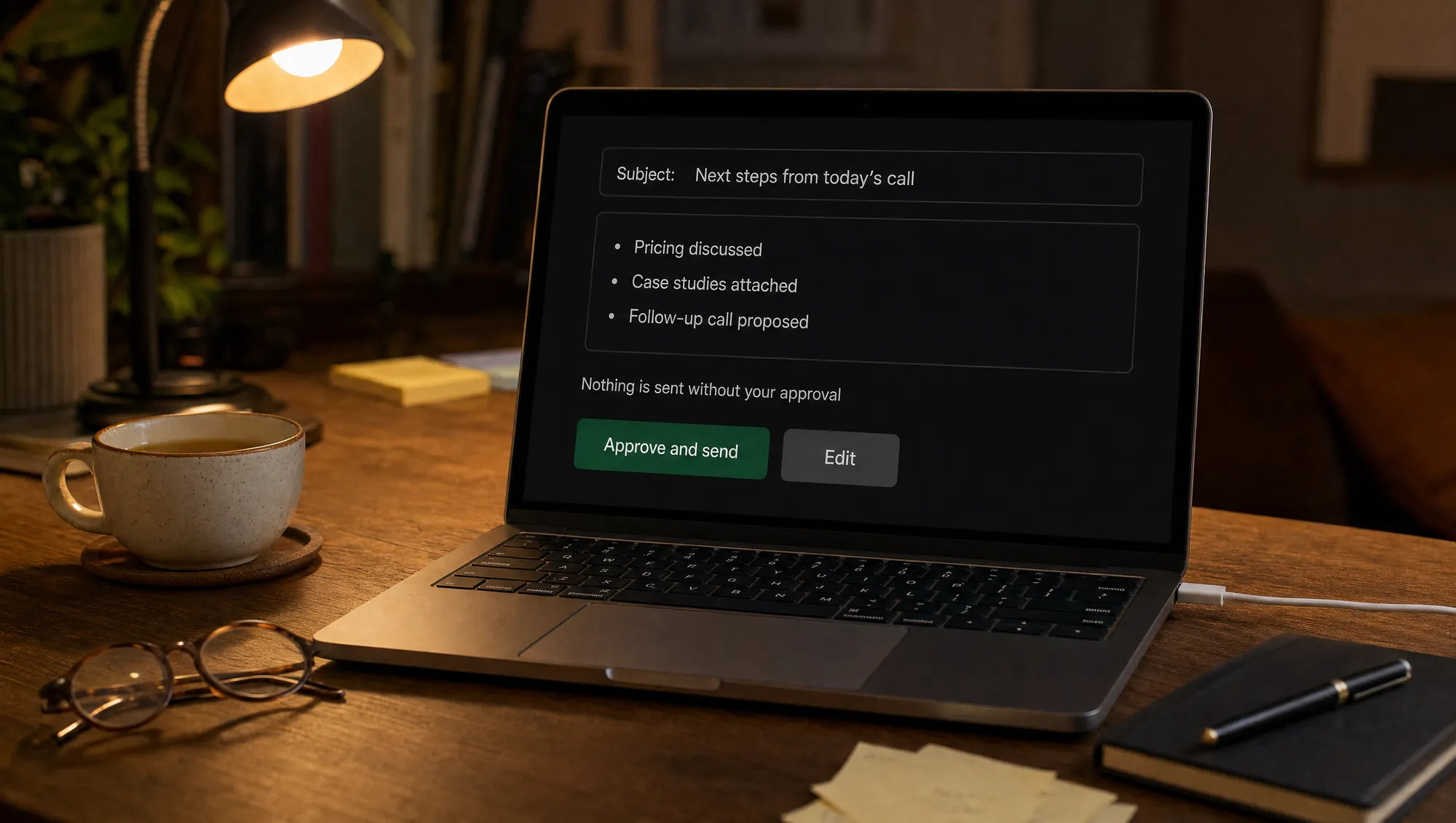
- After the call it drafts the recap and a follow-up email in Gmail. Nothing is sent without your approval.
See it in two real recordings: I Let My AI Twin Join a Real Google Meet Call and My AI Twin Had an SEO Call Instead of Me.
Consent and etiquette
- Tell people in advance that your AI twin will join, ideally in the invitation. The twin also introduces itself as an AI at the start.
- Recording and transcription rules differ by place. Some places require everyone on a call to agree to a recording, and data protection law, such as the GDPR in the EU, applies to the personal data in a transcript. Ask for consent and keep only what you need.
- Never use a twin to impersonate someone else, and never use another person's voice without written permission.
What it costs
Meetings use the same conversation minutes as every other channel. Lilidi Twin starts at $19 a month for a voice Twin. The live video avatar and a personal voice clone come with the Professional plan at $179, with 500 video minutes. Extra minutes cost $0.39. See the pricing page.
Questions people ask about AI twins in meetings
Can an AI twin join Zoom, Google Meet and Microsoft Teams?
Will the other people know it is an AI?
Can it speak in my voice?
Can it make decisions for me?
What happens after the call?
How is it different from an AI notetaker?
Related: What is an AI employee? · Meetings use case · How it works

Founder & CEO, Lilidi AI
Continue reading
What Is an AI Employee? How It Works, What It Does and What It Costs
An AI employee answers customers, qualifies leads, books meetings and hands over to a person. How it works, what it costs and how it differs from a chatbot.
TechCrunch Disrupt 2026: The AI Sessions Worth Your Time, and Where to Meet Lilidi
Six AI sessions at TechCrunch Disrupt 2026 for founders building with AI agents, with times and stages, plus where to meet Lilidi in San Francisco.

AI Summit Barcelona 2026 Recap: Five Days, One Harbour, and a Lot of Twins
First-hand recap of AI Week in Barcelona: Claude Community Barcelona, two days at AI Summit Barcelona at WTC, the people we met and what founders told us about AI Twins - in 19 photos.
Meet Lilidi Twin, an AI employee for customer conversations
It talks with your website visitors by video, voice or text, qualifies leads, books meetings and joins Zoom, Google Meet and Microsoft Teams calls.